
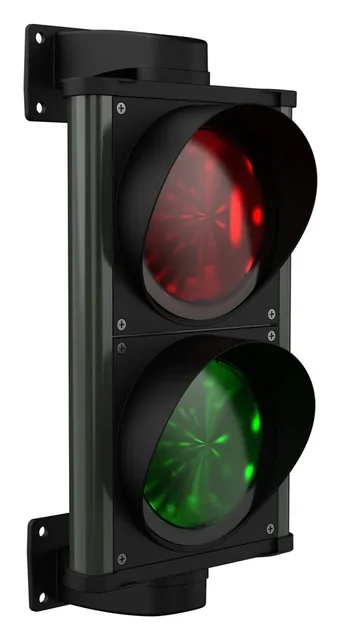
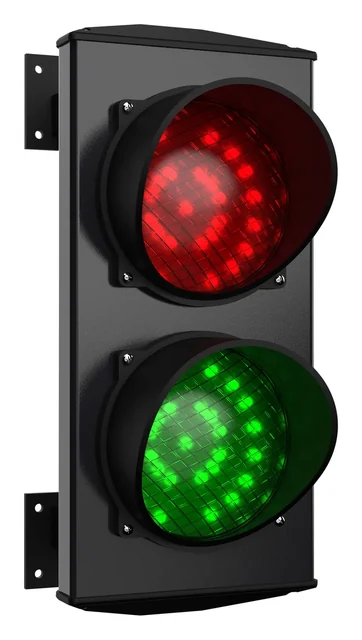
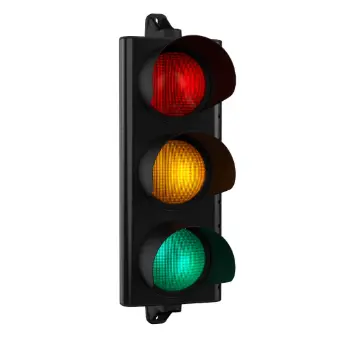
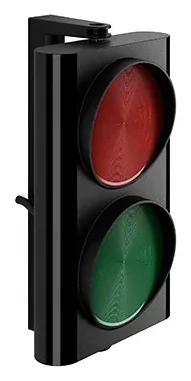
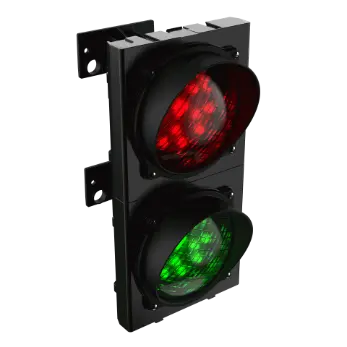
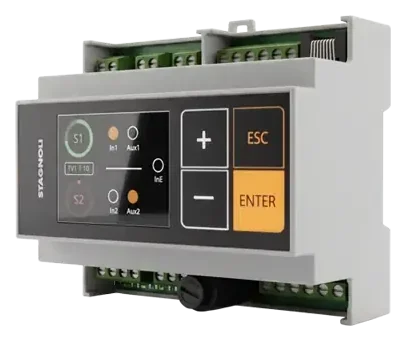
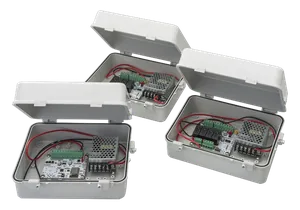
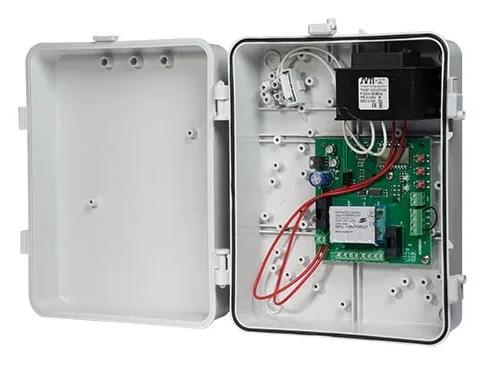
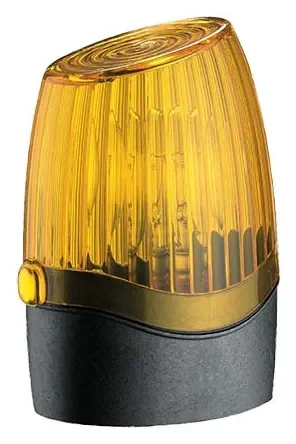
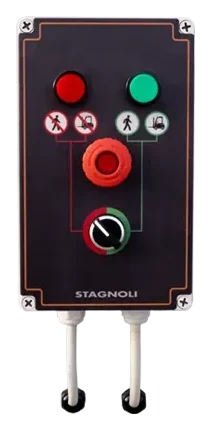
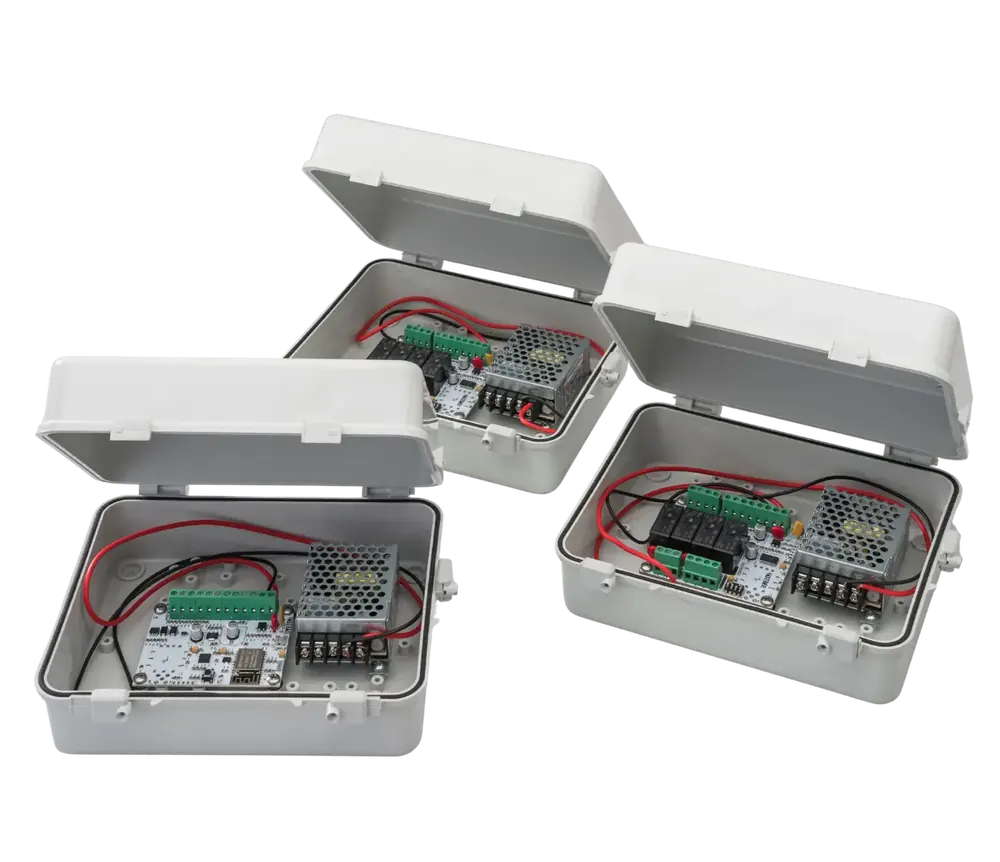
The SATURNO control unit is the advanced management unit designed for the coordinated control of traffic lights. It represents the excellence of Made in Italy in the access automation sector, offering unmatched flexibility thanks to integrated Wi-Fi technology that allows configuration from a smartphone or PC without additional software. This device guarantees maximum industrial safety in the management of complex transits and car parks.
Main Applications
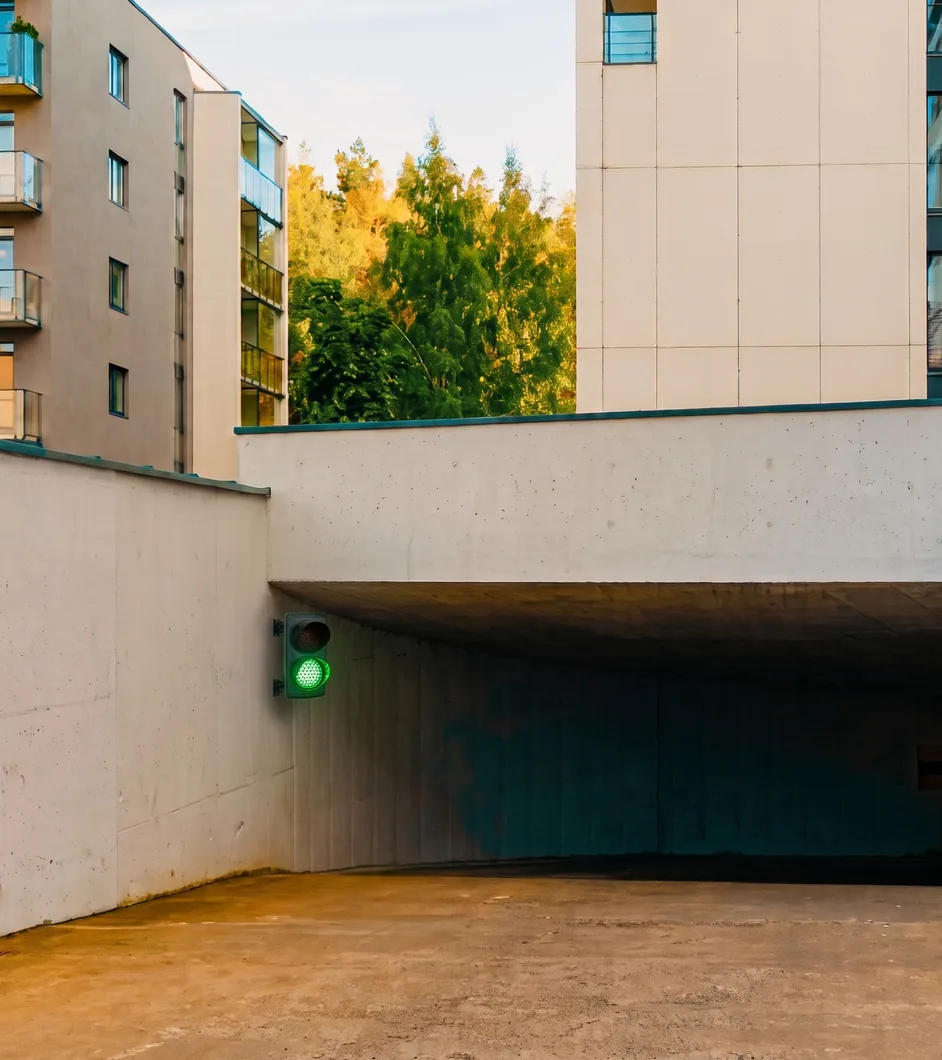
- Traffic regulation and capacity in multi-storey and underground car parks: management of alternating one-way traffic and counting of vehicles entering and leaving the car park
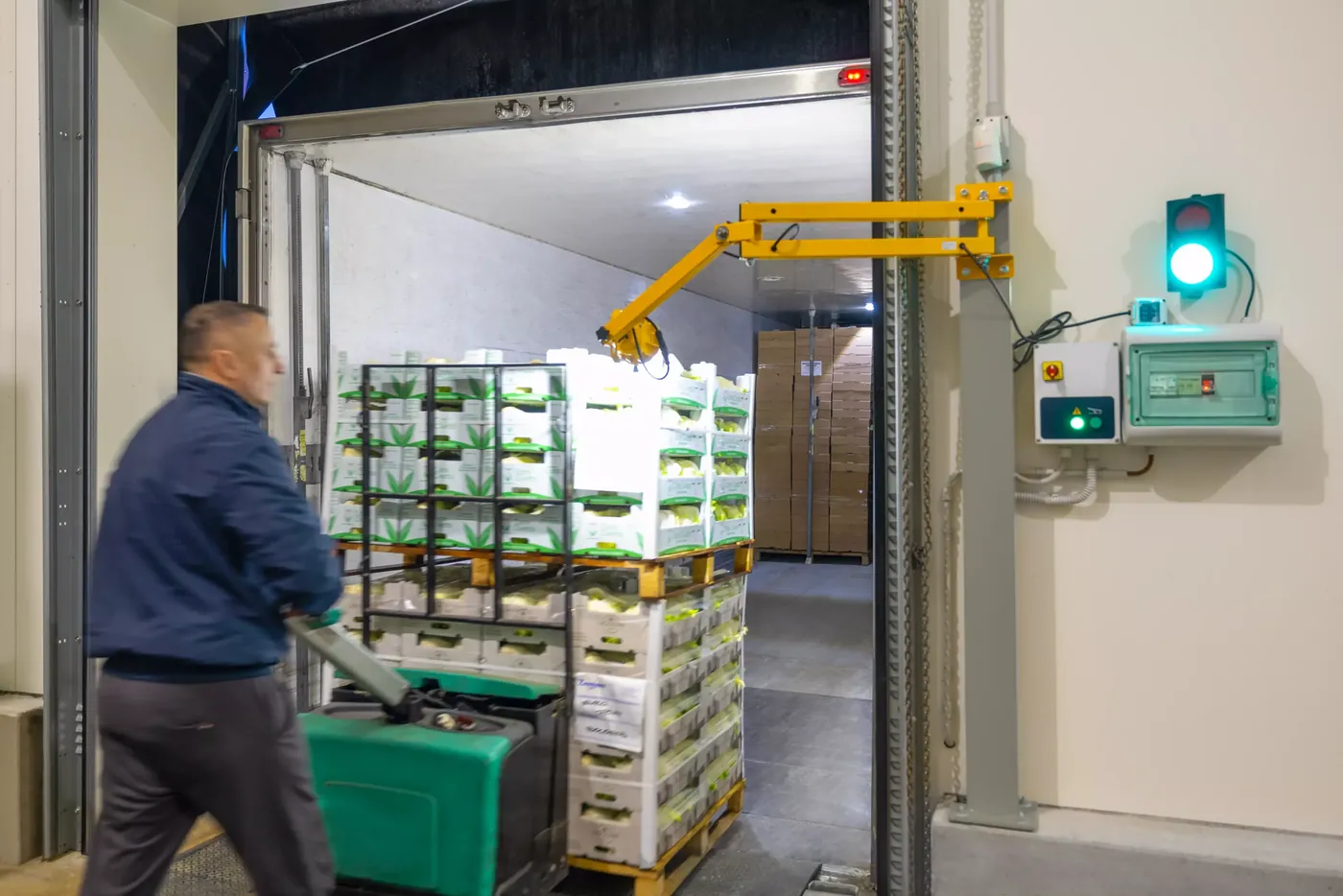
- Access automation in logistics hubs: control of loading/unloading flows for heavy vehicles
- Gate management in residential and industrial areas: integration with magnetic loops and photocells for automatic green light activation
Technical data
| Light management | Supports up to 10 traffic lights with 2 or 3 lights |
|---|---|
| Architecture | Modular Master-Slave system: the Master board handles the programming interface and manages the entire RS485 network, while the Slave boards receive commands and send the status of the connected sensors to the Master; they also physically switch the light signals and auxiliary outputs |
| User interface | Integrated web server via local Wi-Fi, accessible via browser in the immediate vicinity of the Master board; the Wi-Fi network is password-protected (password given in the instruction manual) and we strongly recommend changing it when the system is first started |
| Operating logics | Cyclic: Timed By reservation: Via sensors/photocells Mixed: Cycle with activation on the booked traffic light Parking: Counts vehicles entering and leaving |
| Connectivity | Communication between master and slave via RS-485 serial cable (cable not included) 2.4 GHz Wi-Fi for configuration, for exclusive local use (point-to-point). Connection to external networks or remote management is not possible |
| Inputs/outputs | Configurable digital inputs for loops, photocells and buttons; relay outputs for traffic light management |
| Auxiliary outputs | 1 NO/NC on each slave (to give an input to external devices, e.g. to send the start command to the gate automation) |
| Power supply | 230 Vac (transformer included). It is possible to bypass the transformer to power the board directly at 24 Vdc |
| Degree of protection | IP44 |
| Working temperature | -20°C / +60°C |
| Max. communication distance | 1 km (cable length measured from the master to the last slave) |
Complete code list
Code structure
example: SATURNO-K
| SATURNO | K |
|---|---|
| Saturno | Product type:
|
Available models
| Code | Description | Power supply | Managed logics | Protection (IP) | Weight (kg) |
|---|---|---|---|---|---|
| SATURNO-K | Saturno kit (1 master + 2 slave) | 230Vac | All | IP44 | 2,48 |
| SATURNO-M | Single Master board | 230Vac | All | IP44 | 0,68 |
| SATURNO-S | Slave board (device connected to the traffic light) | 230Vac | Master-dependent | IP44 | 0,73 |
Spare parts and accessories
| Code | Description |
|---|---|
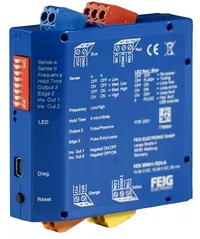
| DA021 | Single-channel metal mass detector |
| DA035 | Dual-channel metal mass detector |
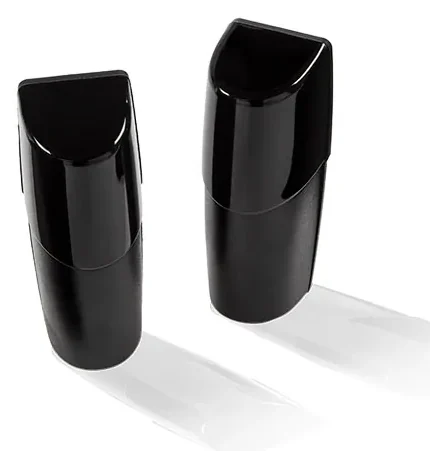
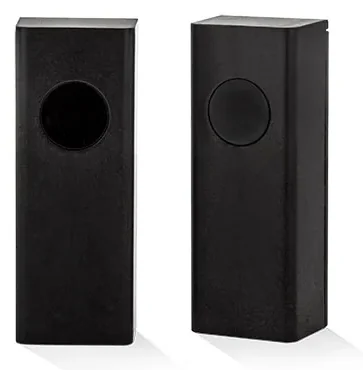
| AFAP20 | Pair of adjustable photocells for transit detection |
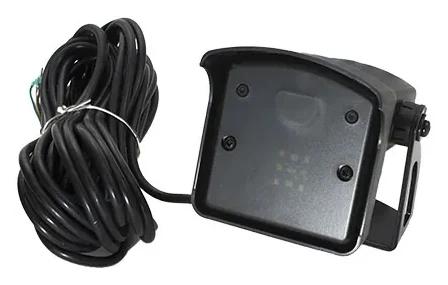
| PRAP | Bidirectional microwave radar |
Certifications
Drawings
The dimensioned PDF drawing is not published yet: we send it on request. Request it
Manuals and instructions
Frequently asked questions
What types of sensors can I use?
You can install any sensor capable of opening or closing 1 clean contact (NO/NC) for at least one second.
How can I manage a parking lot?
To manage a parking lot, set the parking mode. If the parking lot is one large area, use the global parking space counter; otherwise, if it's a multi-floor parking lot managed per floor, use the parking space counter of each individual traffic light.
How do I connect to configure the system?
The connection is made via a WiFi network generated by the master board. This is a local network (without Internet access). Once connected, the system is configured through any web browser.
In parking mode, how can I correct the parking space counter if it's out of sync?
You need to enter the configuration panel and adjust the counter. Alternatively, you can set up buttons on inputs 1 and 2 of the slave board, in parallel with the sensors, that the parking attendant can press to increment or decrement the parking space count.
How do I connect the control units to each other?
The connection between control units is made via RS-485 serial cable.
Does the terminal block where I connect the traffic lights supply current?
No, the power source is external. The control unit is responsible only for switching the colour of the traffic lights.
Can I use gate photocells as input sensors?
Yes, it is possible. The important thing to keep in mind is that gate photocells do not discriminate the direction of the vehicle.
Alternative Products
ACNSEM3L:
- System focus: specifically designed for the coordinated management of two traffic lights, making it the cost-effective and streamlined choice for simpler alternating one-way systems
- Interface: features an integrated multilingual LCD display for direct on-board programming, ideal for installers who prefer a physical interface over a Wi-Fi/browser-based configuration.
VIACONTROL:
- Efficiency for 2 Traffic Lights: if the system only requires the management of two traffic lights, VIACONTROL provides all the necessary advanced functions without the complexity of a 10-light Master/Slave system
- Compact Design: designed for DIN rail mounting, it occupies minimal space in electrical panels while integrating a color display for quick configuration
- Low Power Consumption: optimized for maximum energy efficiency (only 0.01 A), it is the ideal choice for installations focusing on energy savings without sacrificing technology
News and insights
- Stagnoli’s Saturno traffic light control unit: what advantages does it offer?
- New web page for SATURNO, the control unit for traffic light management: a Stagnoli-branded product
- At the client’s request, Stagnoli responds by installing the “Saturno” traffic light control unit for car parks
Warranty and terms of sale
The warranty policies adopted by Stagnoli are set out in the General Terms and Conditions of Sale and naturally follow the legal rules on post-sale warranties (duration, proof of purchase, start date), which we summarise below:
- 12 months B2B, from the date shown on the proof of purchase (mandatory)
- 24 months B2C, from the date shown on the proof of purchase (mandatory)