
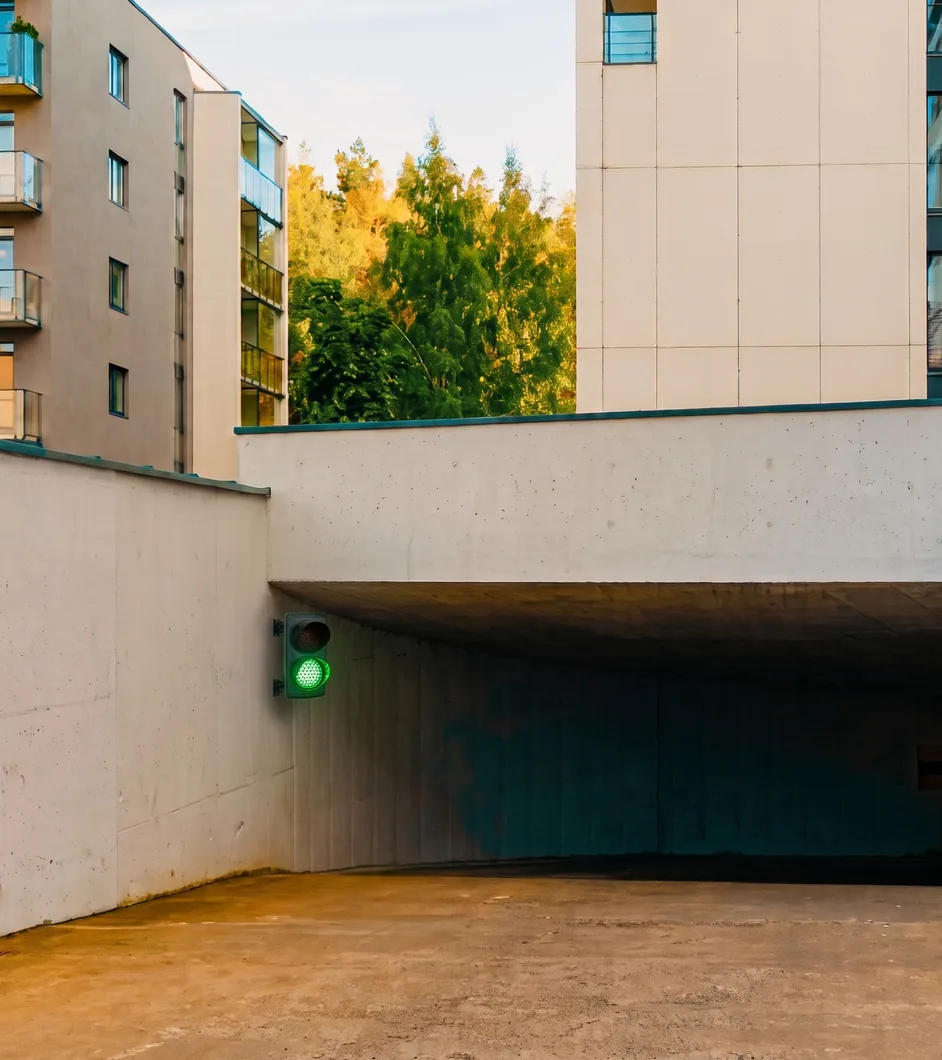
Garage ramps
Single lane and blind bend: priority mode with «all red» rest state, one sensor per side.
PrioritySignalling
Traffic lights, control units and flashing lights for private roads, car parks, industry and logistics.
All signalling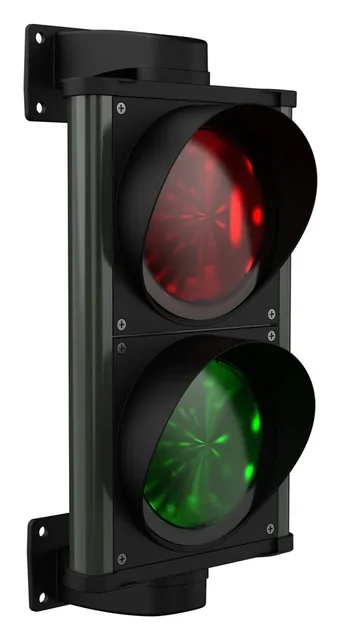 ChronosMulti-voltage 24–230 V, aluminium · IP66
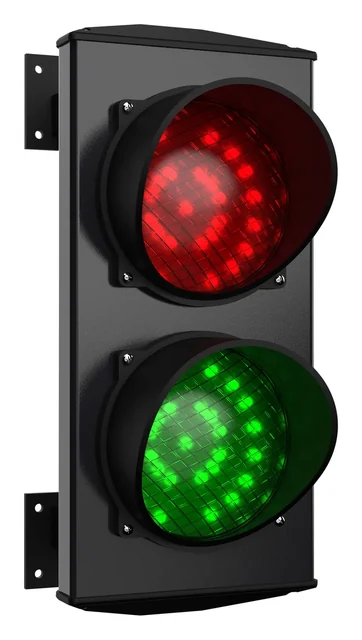 ApolloThe original, in over 60 countries · IP66
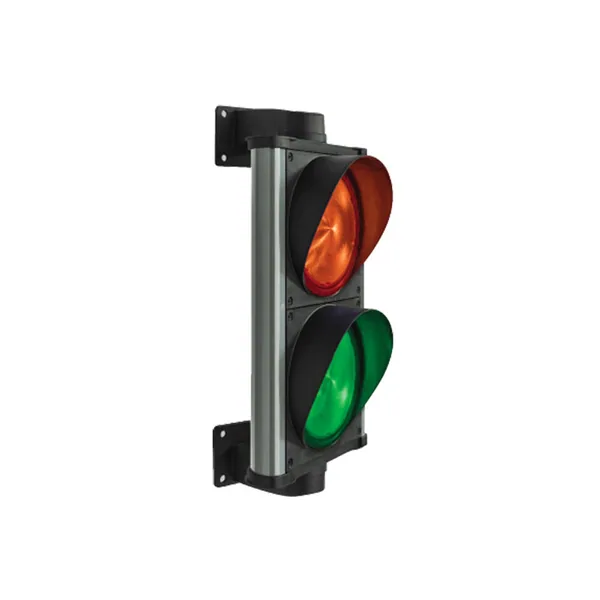
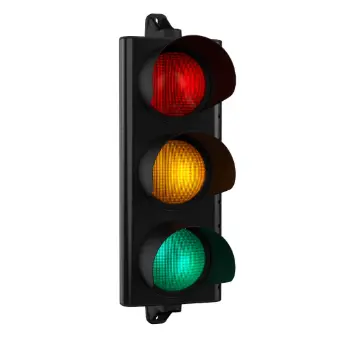 ERA200Road use EN 12368, 200 mm lenses
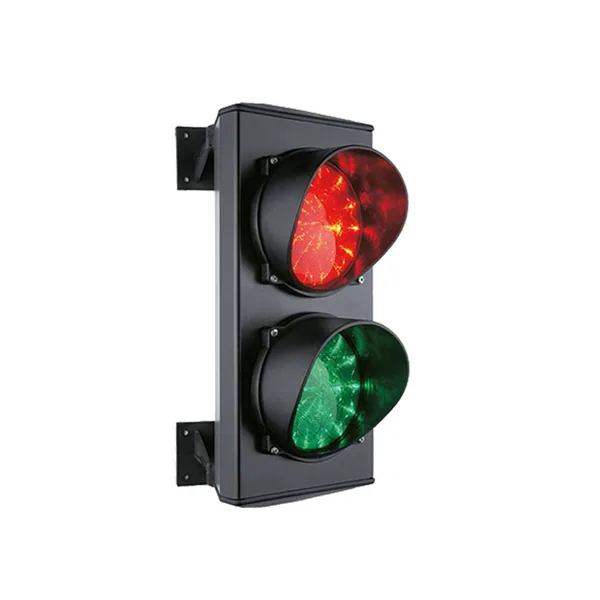
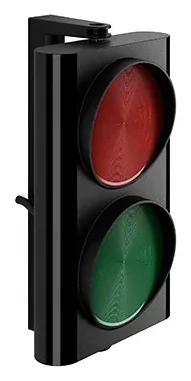 ERA80Compact two-light, 12 or 24 V · IP66
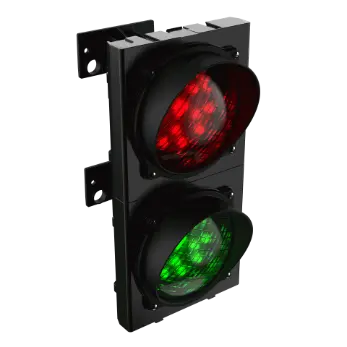 Apollo PlastModular technopolymer · IP66
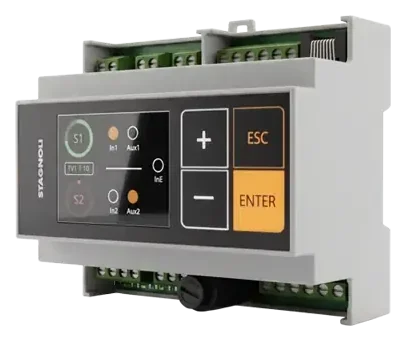 VIACONTROL6-module DIN control unit, 2.2" display
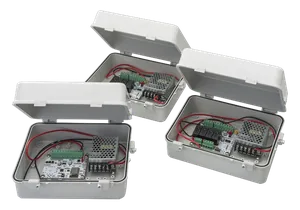 Saturno1 to 10 traffic lights, RS485 master/slave
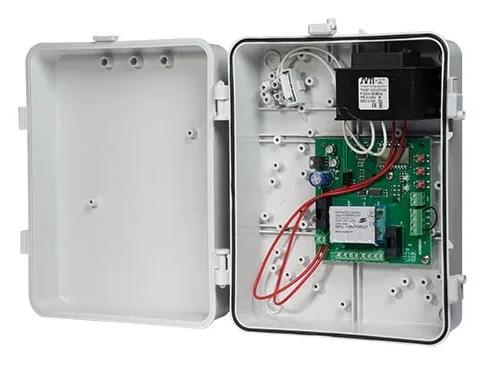 ACNSEM3LBoard for 2 traffic lights, time-based or priority-based
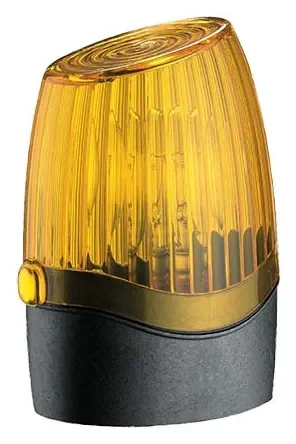 PegasusLED flashing light 12, 24 or 230 Vac/dc
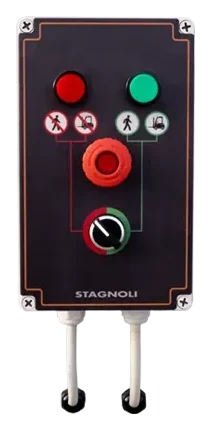 Loading bay accessoriesASFSW230 selector and dock lights
Safety
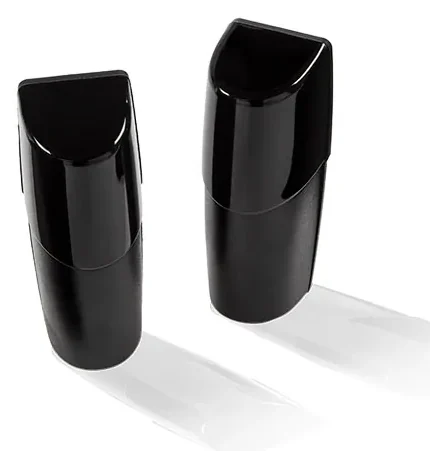
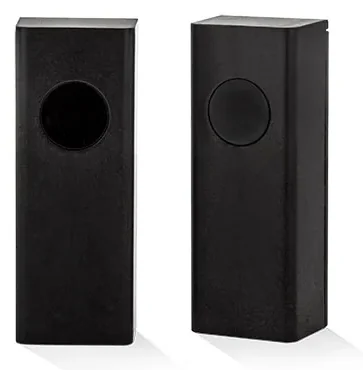
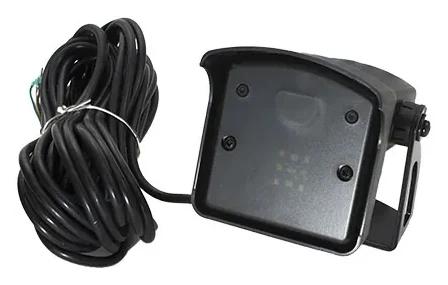
Photocells, sensors and controls that complete the system: the same construction standards as the Stagnoli range.
All safety productsUse cases
Real scenarios explained in 3D: what to install, where, and how the system behaves.
All use cases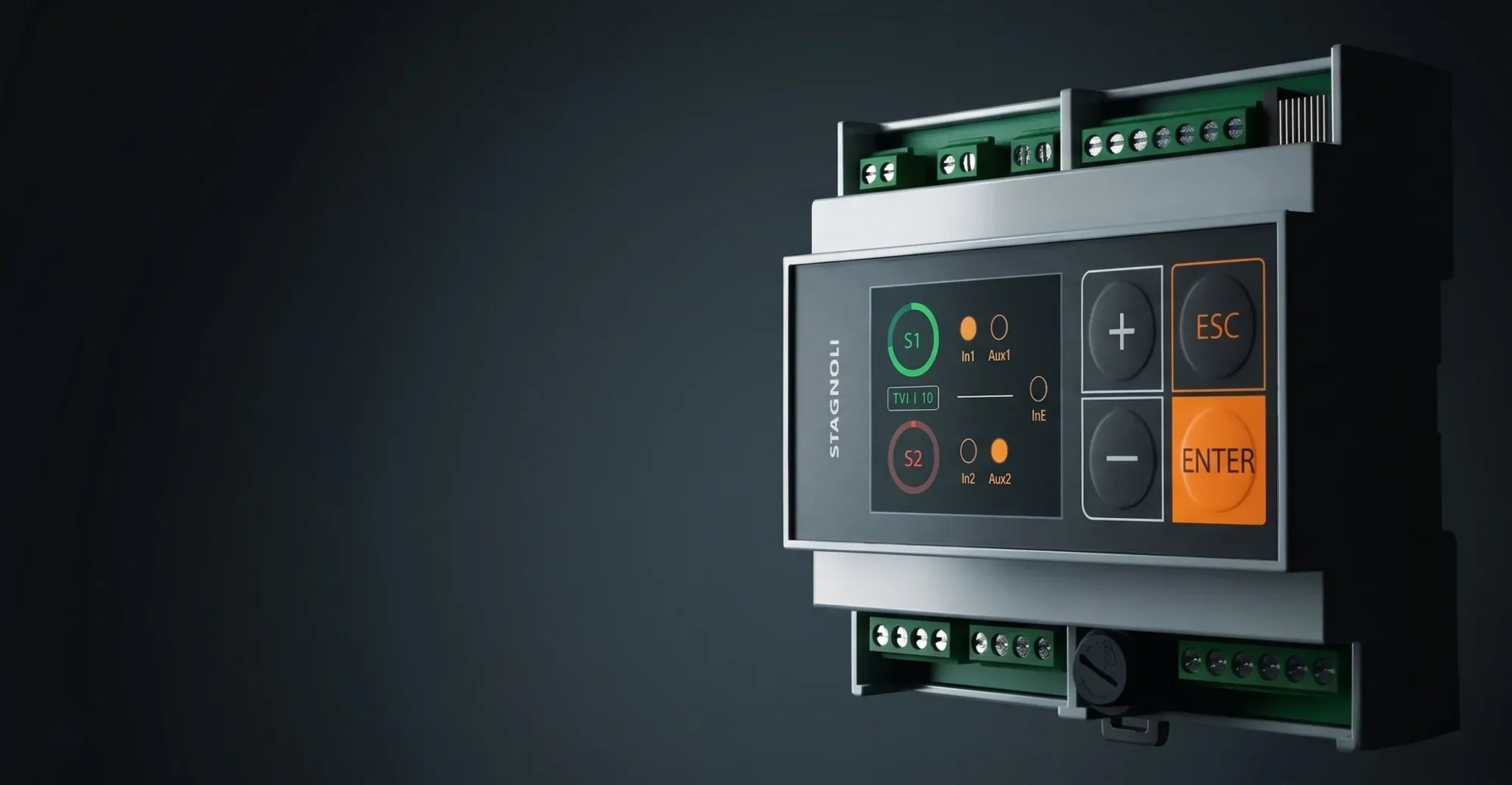
Control system for 2 signals · new
Two traffic lights, three inputs, one display: alternating one-way traffic made simple.
Available configurations
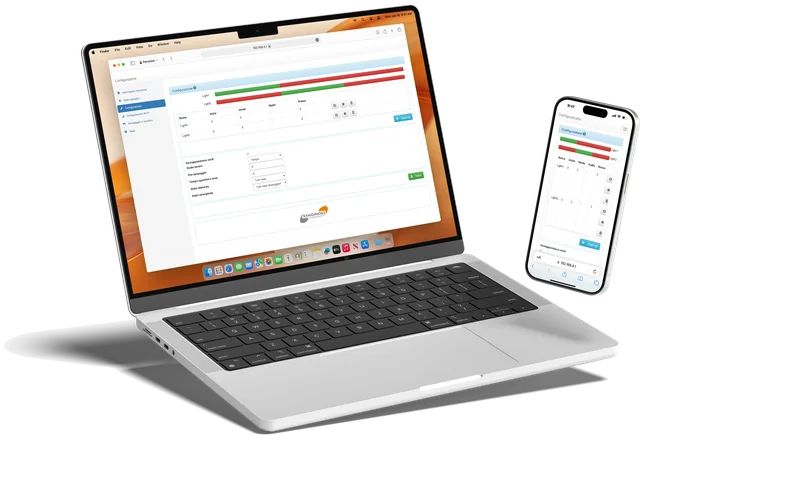
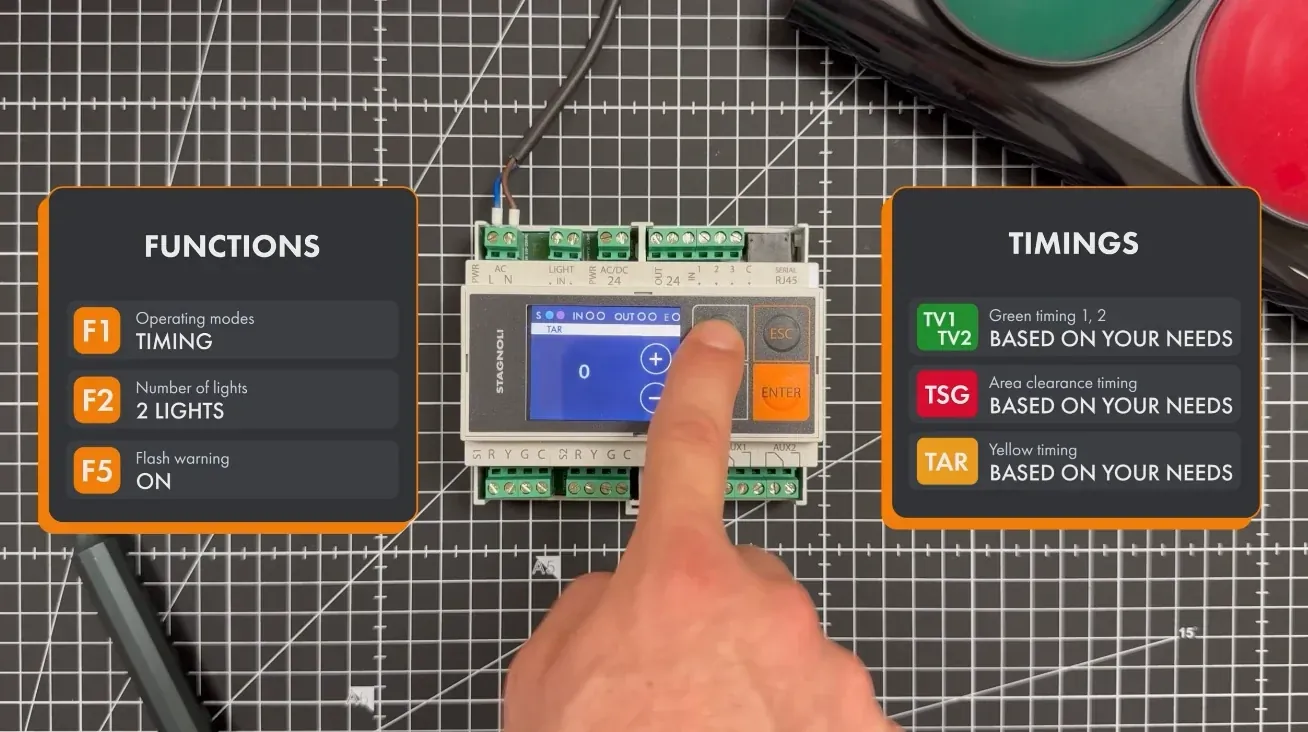
VIACONTROL is Stagnoli's traffic light control unit for ramps, gates, crossings and private roads: a single 6-module DIN-rail unit that controls two 2- or 3-light traffic lights, reads two call sensors (IN1, IN2) and one alarm input (IN3), and has two auxiliary outputs to start the automation or for other uses. It is programmed from a 2.2" colour display and works in priority, time-based or state mode.
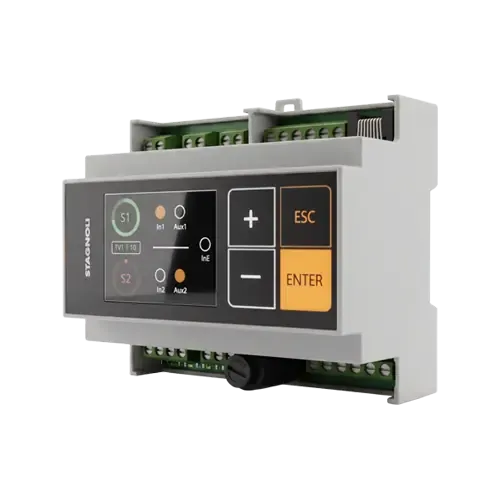
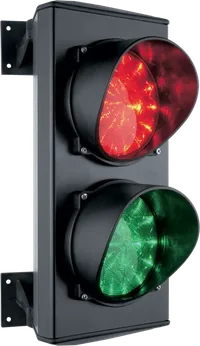

VIACONTROL is compatible with all traffic lights in the Stagnoli range.
Voltage
The same VIACONTROL unit accepts 24 to 230 V ac/dc; for 12 V ac/dc systems there is VIACONTROL12.
Key specifications
Functions, times, terminal blocks and wiring diagrams in the manual and the documentation.
Find out more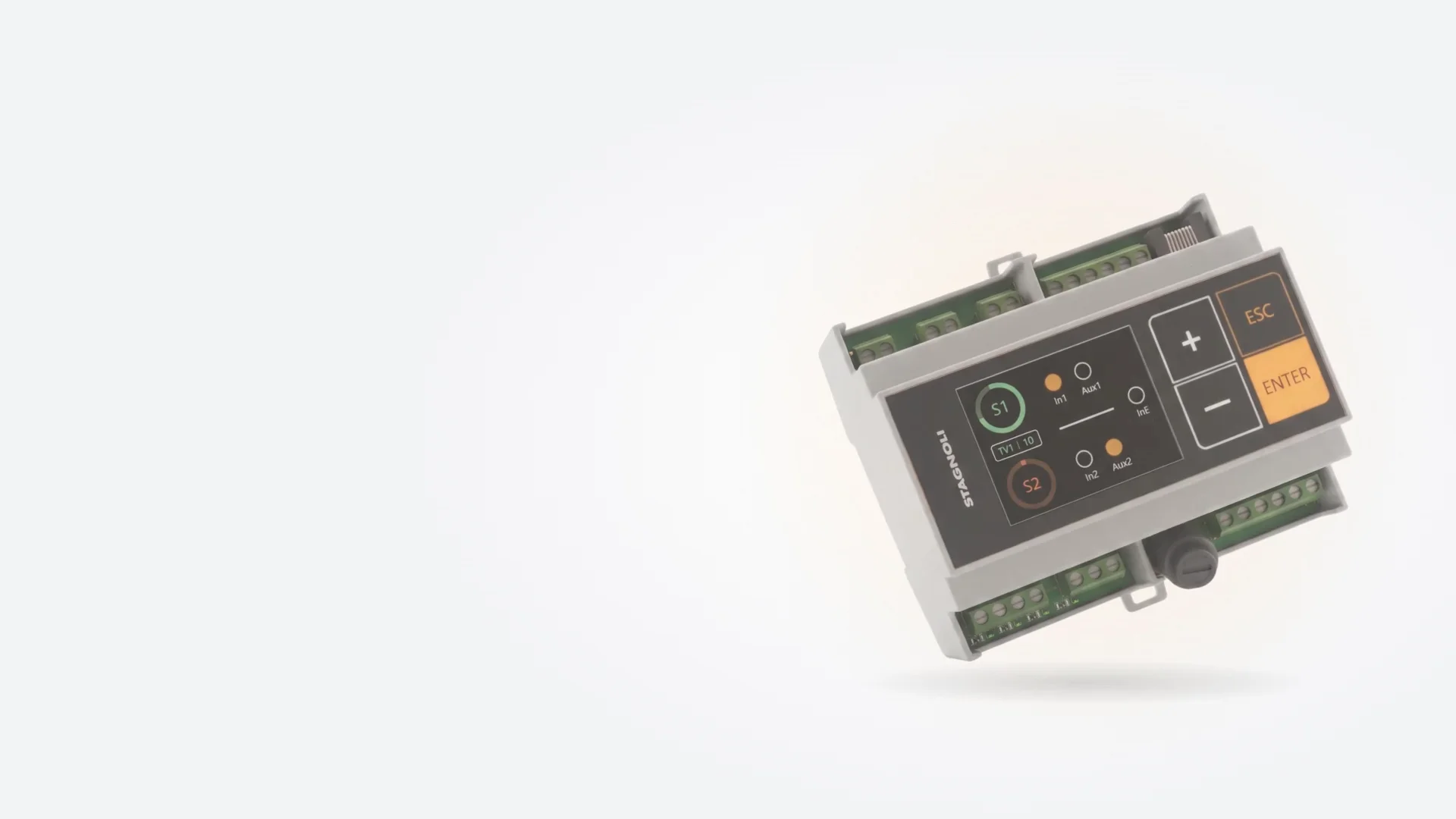
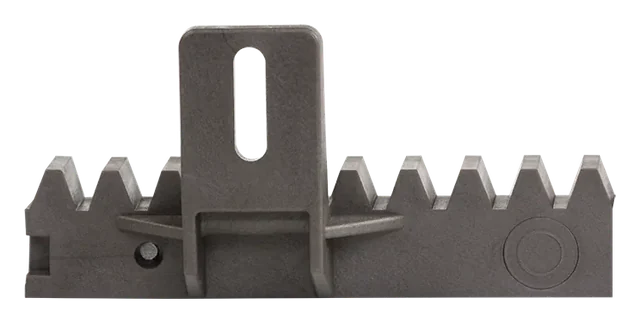
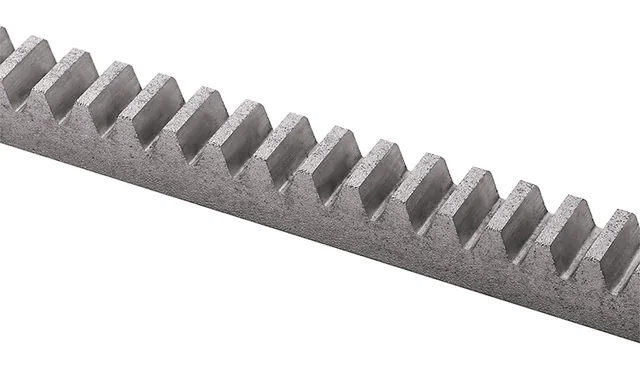
Moulding, assembly and testing in our own departments in Italy: every rack and every traffic light is made here.
Simulator
A narrow ramp, two traffic lights, two loops. Choose the mode, send a car from one side or press alarm: the control unit reacts just as it would on site.
What happens
At rest both traffic lights are red: the control unit waits for a call from the loops.
Times shortened for the demo: on the control unit TV1, TV2, TSG and TAR can be set from 0 to 999 s in the TIMES menu. AUX1 and AUX2 are configured here as the «green» of their traffic light (F9, F10). Logic from the VIACONTROL user manual.
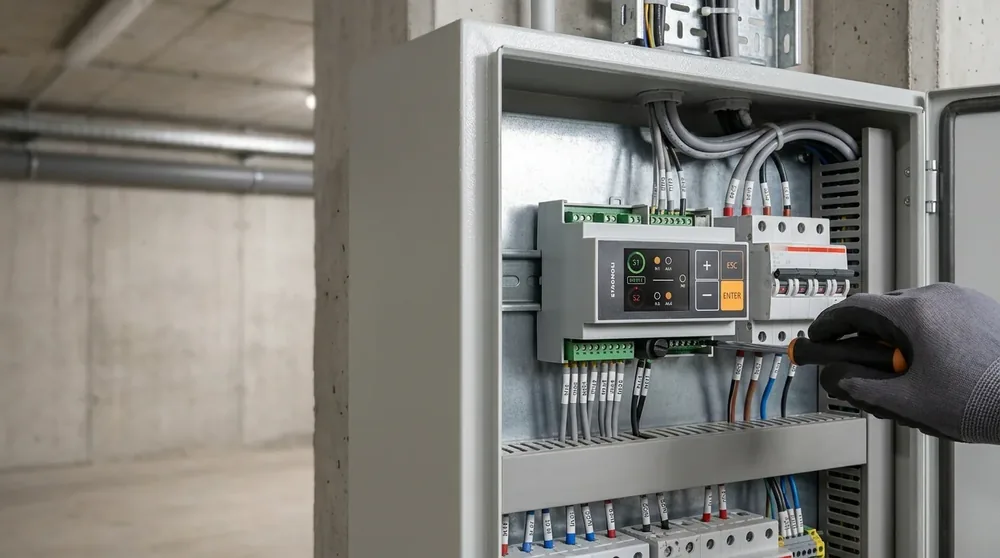
The interactive simulator is designed for larger screens: open it on a computer or tablet to try the logics, sensors and alarm.
Request a demoVideo tutorial
From choosing the operating mode to setting the timers: follow the VIACONTROL setup step by step in our YouTube video.
Fields of application
Wherever two traffic lights have to alternate on a narrow passage, with the electrical panel close at hand.
Single lane and blind bend: priority mode with «all red» rest state, one sensor per side.
Priority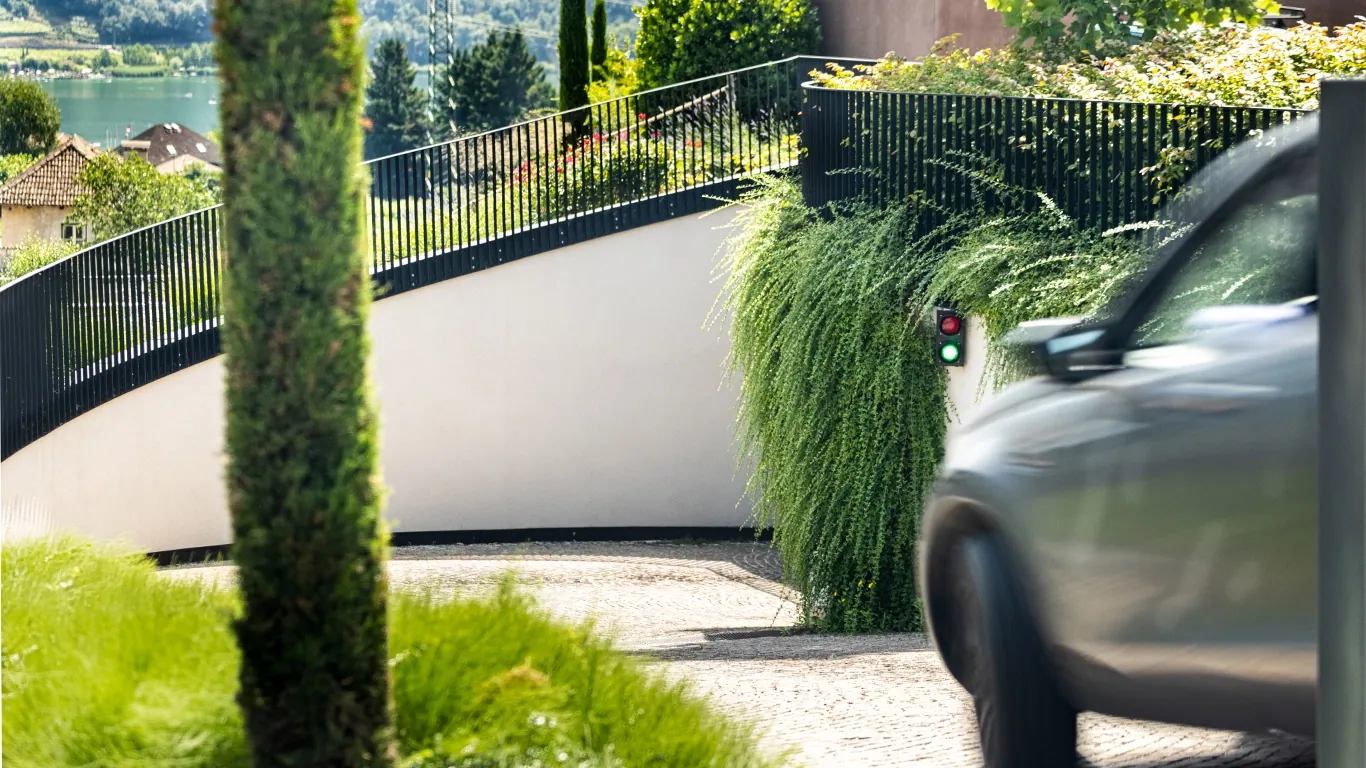
Traffic light on the road green at rest, inside traffic light red on the exit: a single sensor at the inside traffic light on the exit calls the green.
Priority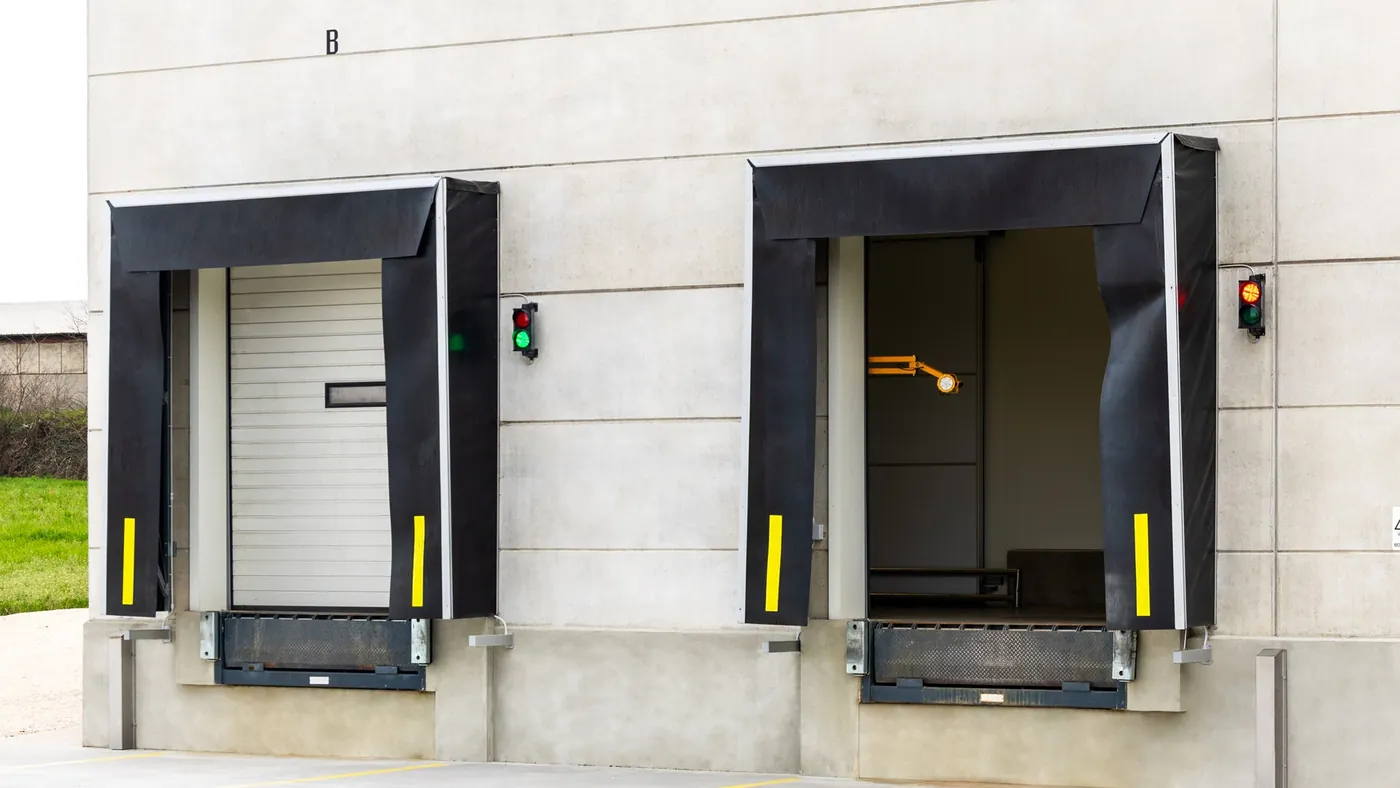
Continuous vehicle traffic: the time-based cycle alternates the two directions even without sensors.
TimeFrequently asked questions
It controls two traffic lights with 2 or 3 lights to manage alternating one-way traffic: garage and car park ramps, gates, private roads and building sites.
The VIACONTROL control unit runs on 24 V or 230 V. The traffic lights can instead have any supply voltage (e.g. 24 V or 230 V), because it is handled separately through a dedicated terminal: the control unit acts as a switching element. If you have a 12 V power source, choose the VIACONTROL12 model.
In Priority mode the control unit serves one side at a time: after the green and clearance phase it moves to the other side. With simultaneous calls it gives way to the side that activated input 1 or 2 first; if both inputs stay active, the green alternates between the two sides according to the set times.
TSG is the time the slowest vehicle needs to cover the whole alternating one-way section, plus a suitable safety margin. During this phase both traffic lights stay red, so that the section is completely clear before the direction of travel is reversed, i.e. before the green passes to the opposite traffic light.
The traffic light turns green and stays green for as long as its input is active, with no timer; if both commands arrive together the control unit sets everything to red.
When input IN3 is activated, the control unit switches to the alarm state chosen with function F4, for example flashing reds.
Two configurable NO/NC contacts (48 V ac/dc, 0.5 A) to drive gates, barriers, alarms or signage without an extra relay board.
Yes, with the queue clearing function: if, during the green time (on either side), another vehicle arrives on the side that has the green, the green time in progress is reset and starts again from 0.
Technical documentation
All VIACONTROL codes, manuals, drawings and spare parts are in the documentation, always up to date.
VIACONTROL documentationTell us about the ramp or passage: we'll help you choose mode, times and sensors.
Choose which cookies and similar tools to accept. Necessary ones are always active. You can change your mind at any time from “Cookie preferences” at the bottom of every page.
Needed for the website to work: session, language and storing your choice. Details
Google Analytics 4: tells us in aggregate form which pages are visited, to improve the website. Details
Google Ads and the website's campaign cookies: they measure which ads and campaigns bring requests and link them to your request. When you send a form, Google also receives your email and phone in hashed (irreversibly encrypted) form, to attribute the request to the ad (enhanced conversions). Details
YouTube videos and the Google Maps map, loaded from Google servers. Details